
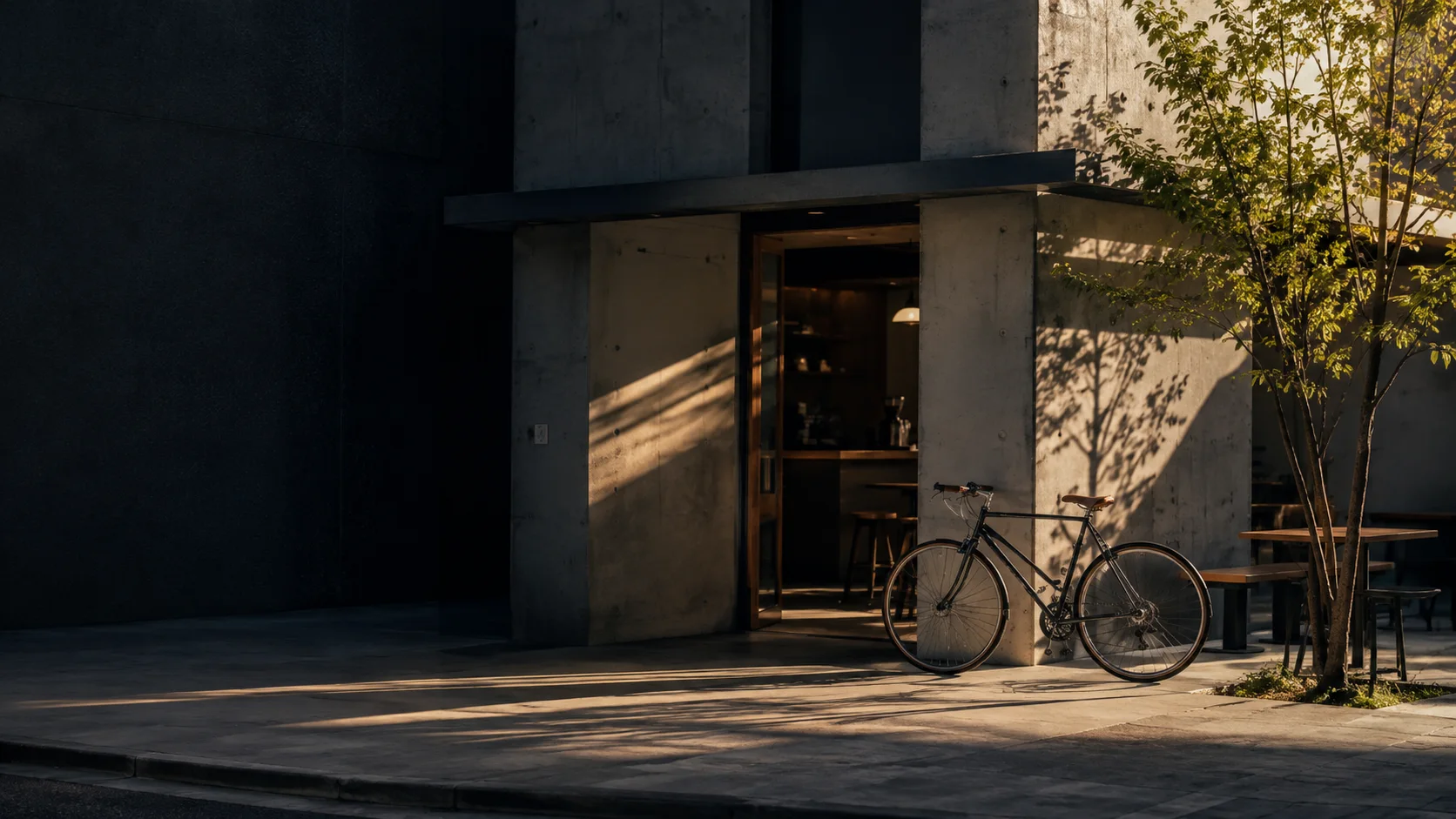

Afternoon light on a street corner, casting bicycle and tree shadows across a concrete wall

YOUR NORTH STAR FOR MOBILE PHOTOGRAPHY

Telefonunuzda,gerçek bir kamera gibi.

Işık, zaman ve renk.
Akıllı telefonunuzda gerçek bir kamerayı yönetme özgürlüğü.

Aster — Your North Star for Mobile Photography.
Cihazınızın gücünü kendi ifadenize dönüştürün. Android, iPhone ve tabletler için kamera uygulaması.

%100 Ücretsiz (Uygulama İçi Satın Alma Yok) · App Store / Google Play

01 / LIGHT, ON YOUR TERMS.SCROLL

YOUR DEVICE. YOUR EXPRESSION.

Günlük cihazınızda
gerçek bir kamera
kullanma hissi.

Decide the brightness. Freeze the motion. Choose your color.
Aster gives every choice before the shutter back to you.

Take direct manual control over ISO, shutter speed, focus, and white balance using the hardware capabilities exposed by your device, with supported ranges visible right on screen.

About device capabilities

01 — MAKE IT YOURS

Dokunduğunuz anda anlarsınız.

Intuitive with sliders. Exact with numbers.
Experience the Aster philosophy in the interactive camera below.

INTERACTIVE WEB DEMONo camera permission required
Sunlight streaming through a glass
ASTERM NATURAL
ISO 200S 1/250WB AUTO
Craft your shot.
200

Demo range 100 — 3200

Enter values like 1/250 or 0.004

LOOK
Settings Saved
For your next shot
THIS SESSION 00

Press the shutter button. Your captured demo frames will appear here.

Try entering exact numbers, previewing the shutter sound, and reviewing shots.

Illustrative web simulation. Photos, color looks, and exposure ranges are for demonstration only and do not represent live camera feed or actual Aster image quality. Only demo settings are stored in this browser; the session strip resets when switching tabs or apps.

PRECISE CONTROL

Unlock more of
your device's capability.

ISO 200. Shutter speed 1/250s. Confirm exposure not just with sliders, but by typing exact numeric values. Clearly see both the hardware range exposed by your device and the active range in the app.

REMEMBER YOUR CHOICE

Settings that stay
effortlessly.

Locked-in values are remembered until you change them—no need to readjust before every frame. When switching lenses or modes, Aster verifies the supported range.

SOUND, BY CHOICE

Shutter sound,
by your choice.

Choose between a tactile classic SLR shutter sound or silent mode (sound effect off). Preview the sound anytime, and your choice persists across sessions.Regional Shutter NoticeDepending on your device, OS, and region (including Japan), standard system shutter sounds may still play on iPhone or iPad. Some system sounds cannot be muted by Aster.

02 — PRO TIPS & ARCHITECTURE

Know the purpose of your tools.
Pro Tips for intentional shooting.

Features like the Focus Loupe and Super Macro are rooted in professional SLR camera heritage.
Understanding how they work gives you far greater creative freedom on your smartphone.

01 — FOCUS LOUPE

Never miss eye focus. 2× viewfinder magnification

The truth behind the Focus Loupe icon

Your saved photo stays at full 1.0× sensor resolution. Only the live viewfinder preview magnifies 2×—just like MF assist on a pro mirrorless camera—so you can verify critical focus on eyelashes or floral stamens. Tap '✕ Focus Loupe' at the top to exit.

02 — SUPER MACRO

Press and hold on a subject. Capture from centimeters away

Pinpoint close-up focus & active stabilization

Simply press and hold on any small subject in the viewfinder. Aster locks near the minimum focusing distance and maximizes stabilization to render fine jewelry engravings, culinary textures, and wine label fibers with tack-sharp clarity.

03 — OPTICAL BOKEH

Open the aperture for cinematic circular bokeh

Portrait mode & F-stop depth-of-field control

Tap 'PORTRAIT' at the top to engage the depth-of-field pipeline. Slide smoothly from F1.2 to F16. Driven by Circle-of-Confusion optical physics, Aster renders natural, creamy background separation.

04 — DIRECT FLIP

Flip in one tap. Natural mirrored selfie preview

Dedicated camera flip button & tap-AF sync

Use the dedicated flip button on the right of the shutter bar to jump directly between the front camera and your previous rear lens in a single tap. Selfies display as a natural mirror preview with accurate tap-to-focus on eyes.

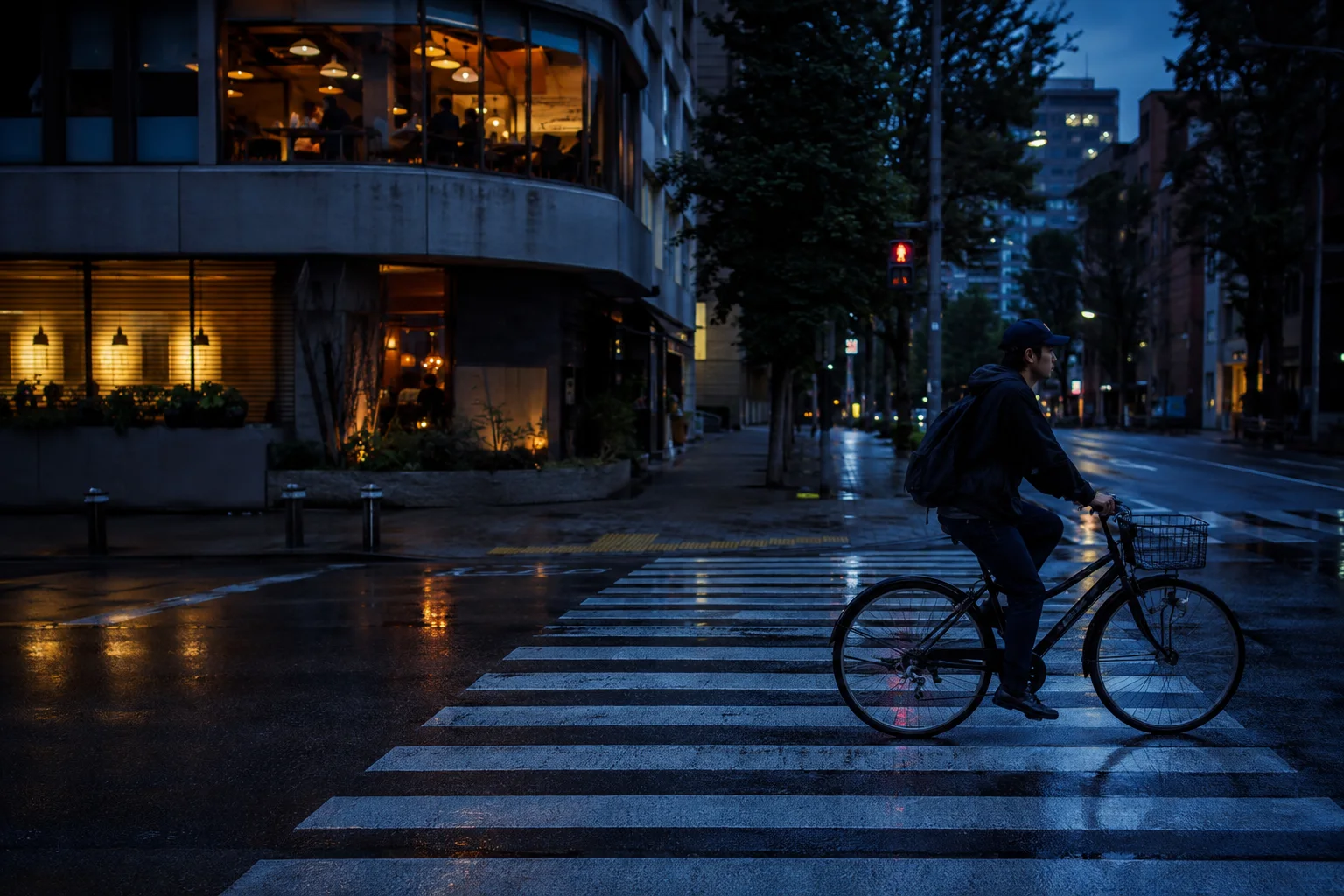
A bicycle crossing an intersection after rain at blue hour with warm street lights

02 — FIND YOUR LOOK

Your color,
in that exact moment.

From true-to-life tones to evocative monochrome.
Shape the character of every frame with 5 curated LOOKs.

NATURALCHROMEAMBERSILVERNOIR

Sample photographs are illustrative

03 — FROM SHOT TO NEXT SHOT

Shoot. Review in place.
Then shoot again.

Stay in the creative flow without interrupting your session.
See how it works in two short concept films.

01 / CONTROL00:20 · No audio

Set exact numbers. Carry settings forward.

Enter ISO and shutter speed numerically, then keep those locked values as you move seamlessly to your next frame.

02 / REVIEW00:16 · No audio

Review on the spot without opening your gallery.

Captured frames line up in your session strip. Tap a previous shot to inspect it, tap × to close, and frame your next composition.

Videos are illustrative workflow animations, not raw device screen recordings or speed benchmarks.

Reviewing a captured still-life photograph in large preview
THIS SESSION
Sample shot 1
01
Sample shot 2
02
Sample shot 3
03

STAY IN THE MOMENT

Your last frame,
right within reach.

Swipe horizontally to review photos from your current shoot. Toggle preview on or off anytime, and dismiss individual frames with the × button on the right edge.

The session strip sits at the top in portrait orientation and along the bottom in landscape. Leaving the app clears the temporary strip so you start fresh next time.

Saved photos in your device library are never deleted when the session strip resets. Your preview on/off preference is remembered.

KNOW YOUR CAMERA

Know what your camera
can truly do.

Supported ISO and shutter speed ranges vary by device and lens. Aster clearly displays both the hardware range exposed by your device and the range available in the app, so you can choose settings with confidence.

Aster does not claim to replicate proprietary OEM computational pipelines or every sensor's maximum multi-frame resolution mode. It is an honest instrument built for intentional manual photography.

COMPLETELY FREE. YOUR PERSPECTIVE.

Her günlük karede,
seçme keyfi.

On both smartphones and tablets.
Every photography feature, completely free.

  • Direct numeric ISO & shutter speed input
  • Persistent exposure settings & 5 LOOKs
  • Classic SLR shutter sound or silent mode
  • Instant in-session photo strip review
  • Automatic save to device photo library

About Silent ModeDepending on your device, OS, and region (including Japan), standard system shutter sounds may still play on iPhone or iPad. Some system sounds cannot be muted by Aster.

ASTER%100 Ücretsiz

Price (All features included)

$0/ Sonsuza Kadar Ücretsiz

Uygulama içi satın alma, abonelik veya reklam yok

iPhone · iPad
Android smartphones & tablets
GET IT ONGoogle Play

COMING SOON

App Store
— Coming Soon.

Aster is preparing for store release.
All features will be provided 100% free (no in-app purchases).

Rolling out soon on the App Store and Google Play. Every camera feature is free to use.

Try Interactive Demo First

Manual exposure, optical portrait bokeh simulation (integrated with favorite modes), 6 color looks, mark & stamp editing (HSV value slider & adjustable mosaic coarseness), persistent frame/aspect/info-strip export, RAW/JPEG fault isolation & EXIF upright export, and 20-language × 320px × 2.0x text-scale (880-case) responsive UI, and Flutter 3.47.8 with the overhauled JPEG engine (~70% memory reduction & 2.4x faster save) (v0.38.14 / Build 2097, inheriting v0.38.13 / Build 2096) are all included free without restrictions.

GOOD TO KNOW

Sıkça Sorulan Sorular

If I use the Focus Loupe (magnifying glass), is the saved photo cropped to 2×?

No. The saved photograph is recorded at the full 1.0× field of view and native sensor resolution. Just like focus magnification on professional mirrorless cameras, the 2× view only enlarges the live viewfinder preview so you can verify critical focus.

How do I activate Super Macro, and what is it best for?

Simply press and hold on the subject you want to focus on in the viewfinder. Aster locks near the minimum focusing distance and maximizes stabilization—ideal for capturing fine jewelry engravings, food textures, botanical details, and wine labels from just centimeters away.

Where are captured photos saved, and do they sync with Google Photos or Apple Photos?

Photos are saved automatically to your device's local photo library ('Pictures/Aster/' on Android for Google Photos, and Apple Photos on iPhone/iPad) without altering original image bytes. Cloud synchronization follows your device's backup settings.

Can I use Aster with the front camera for selfies?

Yes. Tap the dedicated flip button on the right side of the shutter bar to switch to the front camera in one tap. The viewfinder shows a natural mirror preview, and tapping an eye or face focuses accurately. Tap again to return to your previous rear lens.

Can I adjust the background blur in Portrait mode?

Yes. Select 'PORTRAIT' at the top of the screen to reveal the F1.2–F16 aperture slider. Tap your subject to set focus, then lower the F-stop for creamy background bokeh or raise it for deep front-to-back sharpness.

Which devices are supported?

Aster is built for Android smartphones and tablets as well as iPhone and iPad. Detailed OS requirements will be listed upon store launch. Both the app and this website support 20 languages.

Are the exact same manual ranges available on every device?

Available ranges depend on what each device model, lens, shooting mode, and OS expose to third-party camera apps. Aster transparently displays both the hardware-reported range and the app's usable range.

Can the shutter sound be completely muted?

Selecting 'Sound Off' disables Aster's built-in shutter sound effect (muted by default, and remembered across launches). On iOS 18 and later, standard system shutter sounds are also suppressed where permitted by the OS. Depending on your device, OS, and region (including Japan), standard system shutter sounds may still play on iPhone or iPad. Some system sounds cannot be muted by Aster.

Does Aster cost anything?

No. Aster is completely free ($0). There are no in-app purchases, subscriptions, or advertisements—manual exposure, portrait bokeh, mark editing, and original-quality saving are all free.

Aster star and camera icon

ASTER — YOUR NORTH STAR FOR MOBILE PHOTOGRAPHY

Her kare,
kendi iradenizle.

GET IT ONGoogle Play

COMING SOON

App Store
— Coming Soon.

Aster is preparing for store release.
All features will be provided 100% free (no in-app purchases).

Rolling out soon on the App Store and Google Play. Every camera feature is free to use.

Try Interactive Demo First
Try the interactive demo again

Sample images are AI-generated illustrations. The web demo and videos illustrate workflow concepts and do not represent actual device screen recordings, captured photos, or hardware benchmarks. Google Photos and Apple Photos are trademarks of their respective owners.