
▣
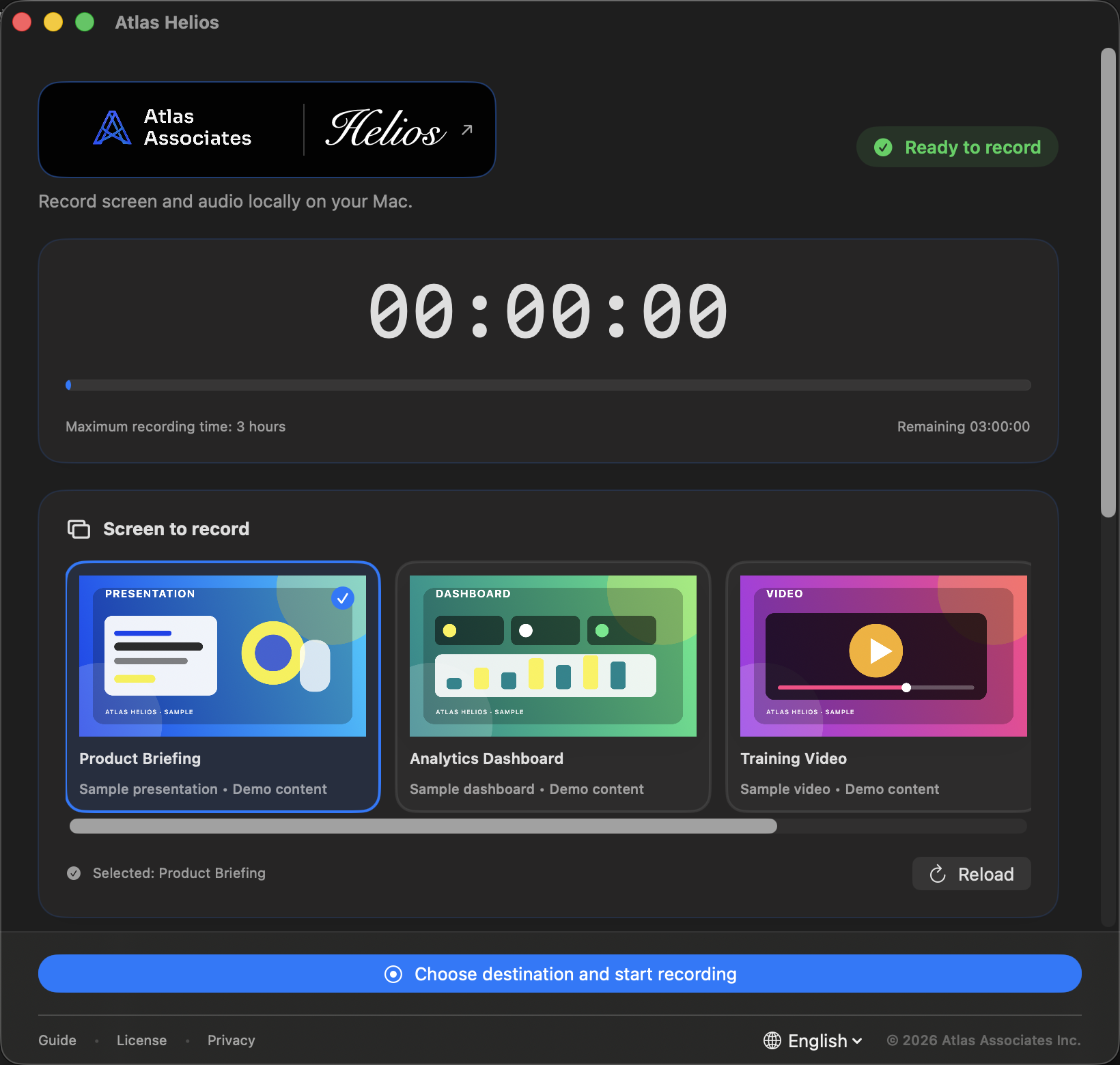
Screen to record
Choose a full display or a specific window from live visual previews before recording.
Private Screen Recorder for Mac
 Helios — Private Screen Recorder for Mac
Record the screen you choose and its audio for up to three hours. Atlas Helios keeps everything local and saves a private MP4 on your Mac.
 FULL RES · 1640 × 1560 ↗
Helios Tab Lock
Load the Helios extension in a Chromium browser and pair it with this code.
Control signals stay on this Mac.Atlas Helios · v0.5.0
Helios?Record the screen you choose and its audio for up to three hours. Atlas Helios keeps everything local and saves a private MP4 on your Mac.
THE NAME BEHIND HELIOS
Helios: A name for light, kept close.Helios takes its name from the Greek personification of the sun. Atlas Associates chose it for a simple idea: the light on your screen and the sound around it should stay in your hands—and on your Mac. That idea became a local-first recorder that lets you choose exactly what to capture, what to hear, and where the MP4 goes.
Light and sound, kept inside your Mac.
Private by default
No account, ads, analytics, cloud upload, or recording-data transmission. You choose the destination and retain control.
Core features
Choose a full display or a specific window from live visual previews before recording.
Turn system audio and microphone audio on or off independently and save them in the same MP4.
Choose 1080p, 720p, or 480p and see realistic one- and three-hour size estimates before recording.
Practical estimates
Estimate for typical web meetings and screen activity at 30 fps. Free space is checked before recording.
How it works
Choose a full display or a specific window from live visual previews before recording.
Turn system audio and microphone audio on or off independently and save them in the same MP4.
Choose 1080p, 720p, or 480p and see realistic one- and three-hour size estimates before recording.
Atlas Helios
Helios questions, answeredRecord the screen you choose and its audio for up to three hours. Atlas Helios keeps everything local and saves a private MP4 on your Mac.
No account, ads, analytics, cloud upload, or recording-data transmission. You choose the destination and retain control.
Turn system audio and microphone audio on or off independently and save them in the same MP4.
Choose 1080p, 720p, or 480p and see realistic one- and three-hour size estimates before recording.
Each recording can last up to three hours and is saved locally as an MP4 in the destination you choose.
Record the screen you choose and its audio for up to three hours. Atlas Helios keeps everything local and saves a private MP4 on your Mac. Built for macOS 15 or later. The notarized public DMG will be available here when release preparation is complete.
Freeware · Local first
Built for macOS 15 or later. The notarized public DMG will be available here when release preparation is complete.
Apple silicon · macOS 15+ · Version 0.5.0
Share Atlas Helios
HeliosRecord the screen you choose and its audio for up to three hours. Atlas Helios keeps everything local and saves a private MP4 on your Mac.